Instant Access
Connect to your device in seconds from any modern browser.
Access. Support. Get things done.
RDesk is a secure, web-based remote desktop service. Connect to a remote computer from your browser — no installation for the viewer, no hassle.
Windows & Android agents. The person at the computer approves every session.
Type the 12-digit ID from the RDesk agent. The connection opens on app.rdesk.bd in a new tab — no account needed, and the person at that computer must click Allow.
Whether you’re an individual, IT professional, or a growing business, RDesk gives you
a fast, secure and reliable way to access and manage your computers.
Connect to your device in seconds from any modern browser.
Encrypted connections, clear permissions, and visible session controls.
Access directly from your browser. Nothing to install.
Relay servers inside Bangladesh on BDIX for faster, smoother local sessions.
Send and receive files with separate permission from the remote user.
View and switch between multiple monitors seamlessly.
Set up your remote access in minutes.
Install RDesk agent on the remote Windows or Android device.
Give the 12-digit Display ID to your supporter.
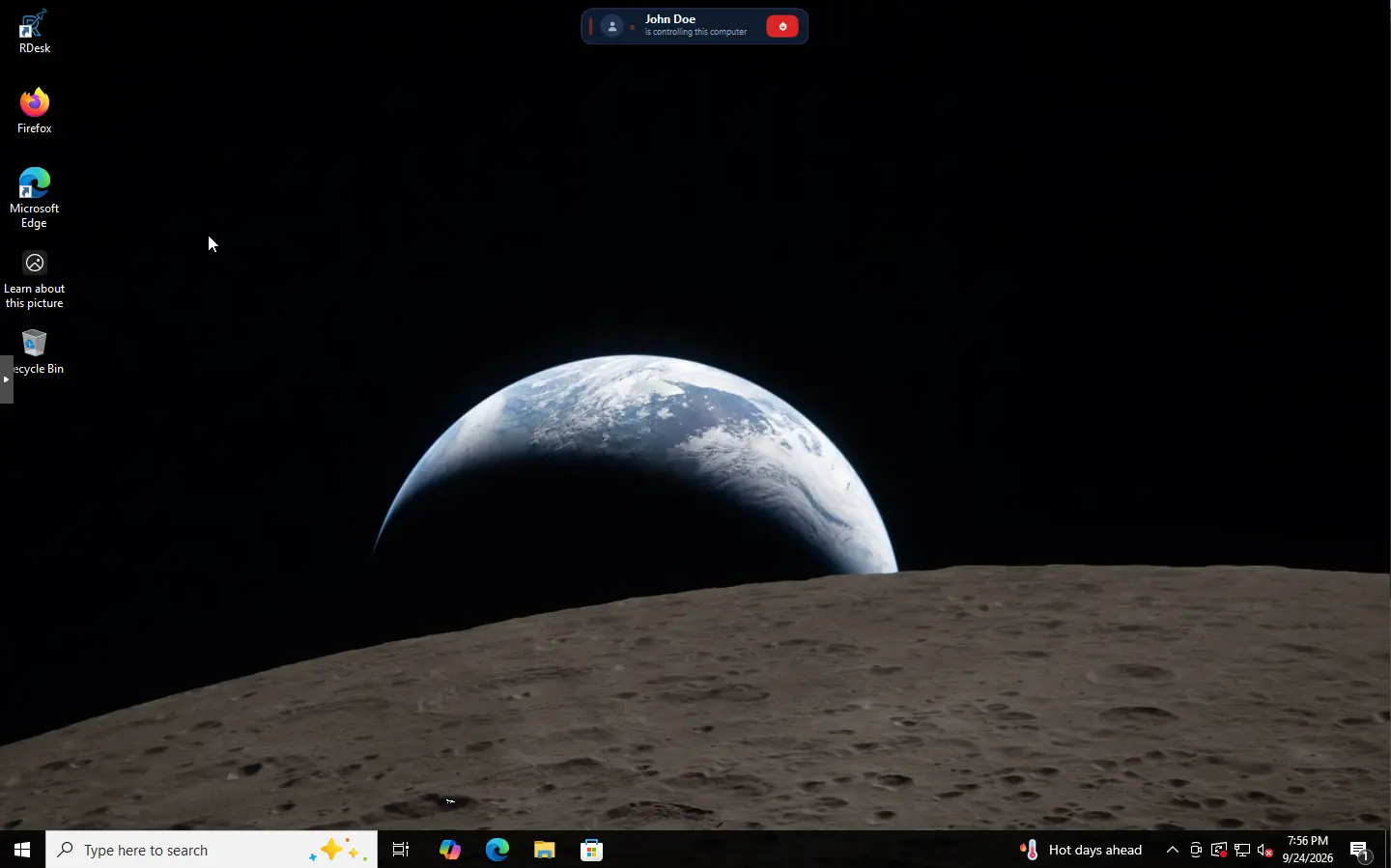
Open RDesk in your browser and start the session after user approval.
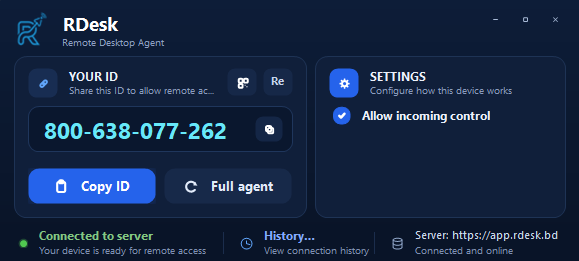
What the RDesk agent shows on the computer being supported: the ID to share, an Allow prompt for every connection, and a history of who connected.
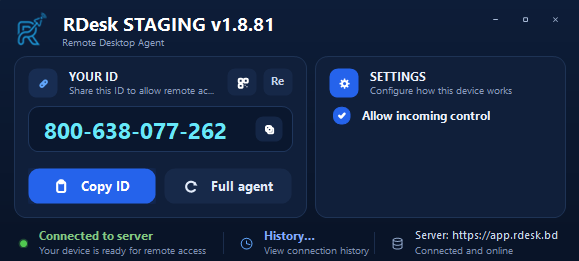
Open the agent and read out the 12-digit ID. Nobody can see your screen until you allow it.
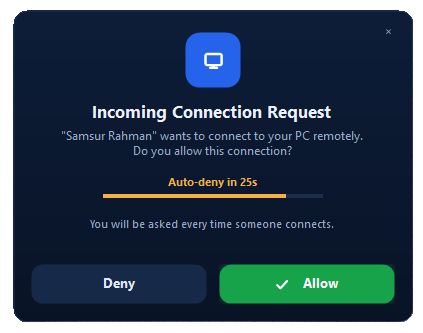
The prompt names who is connecting. Click Allow or Deny; if nobody answers, it is denied automatically.
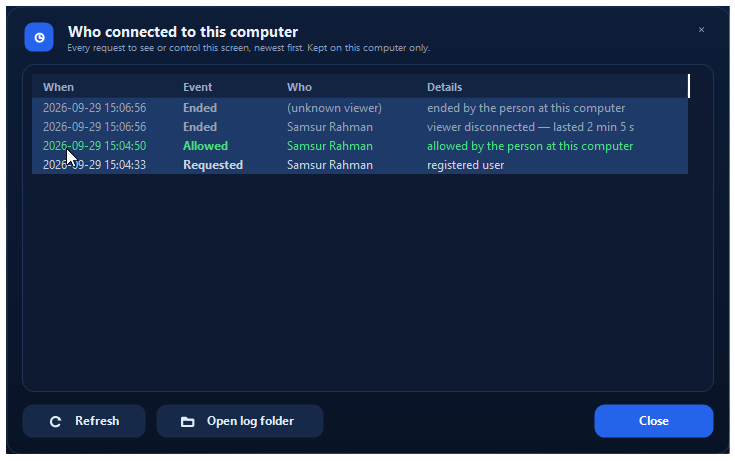
Every request, approval and session end is logged on the computer itself, newest first.
Flexible enough for personal use and powerful enough for teams and businesses.
Help users and solve issues remotely.
Access your office computer from anywhere.
Assist students and colleagues with ease.
Manage your team’s devices in one place.
Tell us about your team and we will help you choose a plan.
 RDesk